
In the second-hand market, the scams sellers use for screens may seem hidden, but they all have obvious flaws—from "passing assembled screens off as original" to "disguising defective screens as perfect ones", they essentially exploit buyers' psychology of "lacking identification knowledge and eagerness to close the deal". As a buyer, as long as you understand the core logic of these scams and master 3 "anti-scam tests", you can expose the fraud on-site and avoid paying for inferior screens.
Scam 1: Assembled Screens with "Original Labels" - Deceiving Uninformed Buyers with Rhetoric
This is the most common screen scam. Sellers stick "original used" labels on low-cost assembled screens, then use rhetoric like "official quality inspection" and "supports counter inspection" to enhance credibility. In fact, the screen is vastly inferior to the original in terms of display, touch, and lifespan.
The characteristics of this scam are obvious: sellers will deliberately emphasize "original screen" but refuse to let you conduct in-depth tests, only allowing simple screen swiping; when you propose tool testing, they will make excuses like "phone is out of battery" or "tools are inaccurate"; the screen looks the same as the original, but careful observation will reveal slightly larger gaps around the frame, or the screen color temperature is too cold (bluish) or too warm (yellowish).
3 on-site steps to expose this scam:
1. First test the authenticity of True Tone: After enabling True Tone, cover the sensor at the top of the screen with your hand. The original screen will quickly warm up within 1-2 seconds with a natural color temperature transition; the "fake True Tone" of assembled screens either has no response at all, or can only switch suddenly between warm and cold modes without a gradient process. If the seller says "True Tone is broken but doesn't affect use", directly reject it—True Tone on original screens rarely malfunctions, so it's most likely an assembled screen in disguise.
2. Then test touch sensitivity: Open the keyboard, continuously tap the four corners of the screen (especially the top-left and bottom-right), tapping each position quickly 15 times while swiping the screen edges rapidly. The original screen has no touch delay or unresponsiveness; due to inferior touch chips, assembled screens are likely to have 1-2 unresponsive moments or slight pointer drift when swiping.
3. Finally check the screen serial number: Open Aisi Assistant on your own phone, connect to the used iPhone, and view the screen parameters. The original screen will display a complete and matching serial number marked "Original Screen"; the assembled screen will show "Serial Number Mismatch" or directly marked "Non-Original Screen". At this point, no matter how the seller argues, you can expose the fraud directly.
Pitfall Avoidance Script: "Boss, I need to test True Tone and touch, then check the serial number with Aisi Assistant. These are the basic steps to verify the original screen. If everything is okay, I'll pay immediately. If you don't let me test, I'll have to look elsewhere."
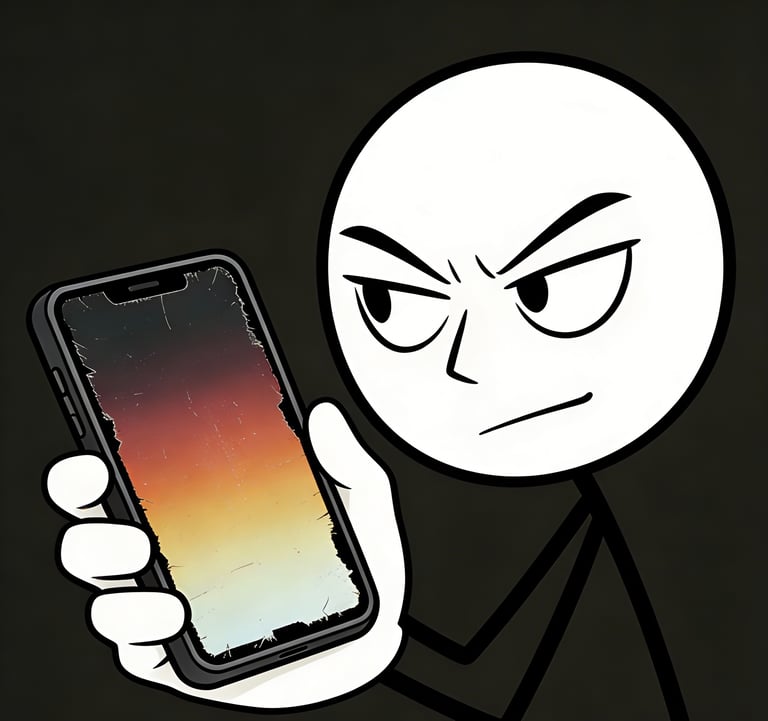
Scam 2: Concealing Minor Burn-In/Dark Spots with Dark Wallpapers + Low Brightness
Minor burn-in on OLED screens and dark spots from backlight aging are the flaws sellers most easily conceal—they will set the screen brightness below 30%, use dark wallpapers and desktop folders to cover residual images or dark spots, making them hard for buyers to spot with the naked eye.
Typical signs of this scam: When showing the phone, sellers will deliberately operate in dimly lit indoor areas and never take the initiative to switch to solid color backgrounds like pure white or pure red; when you ask to turn up the brightness, they will say "too bright hurts eyes" or "battery doesn't last long"; the screen seems normal on dark backgrounds, but once switched to light backgrounds, faint residual images will appear in the status bar and navigation bar.
2 on-site steps to expose this scam:
1. Forcefully brighten the screen to test for residual images: Take the phone directly, open "Settings - Display & Brightness", set the brightness to 100%, then open Notes to create a new blank note (pure white background) and observe the top and bottom of the screen up close. If there is burn-in, you will clearly see faint outlines of status bar icons and residual images of the navigation bar strip, which cannot be hidden on a pure white background; if there are dark spots, fixed dark areas will appear locally on the screen, which are not surface stains (cannot be wiped off).
2. Switch to multi-color backgrounds to test for dead pixels: Open the phone browser, search for "screen dead pixel test images", and display pure black, pure red, pure green, and pure blue backgrounds in sequence. Original or fault-free screens have no bright spots or dark spots on these backgrounds; screens with hidden flaws will expose dead pixels or make dark spots more obvious on specific color backgrounds.
Pitfall Avoidance Script: "Please let me turn the brightness to the maximum and check with a pure white background. I bought a phone with burn-in before and don't want to fall for it again. I hope you understand. If everything is okay, I'll close the deal immediately."
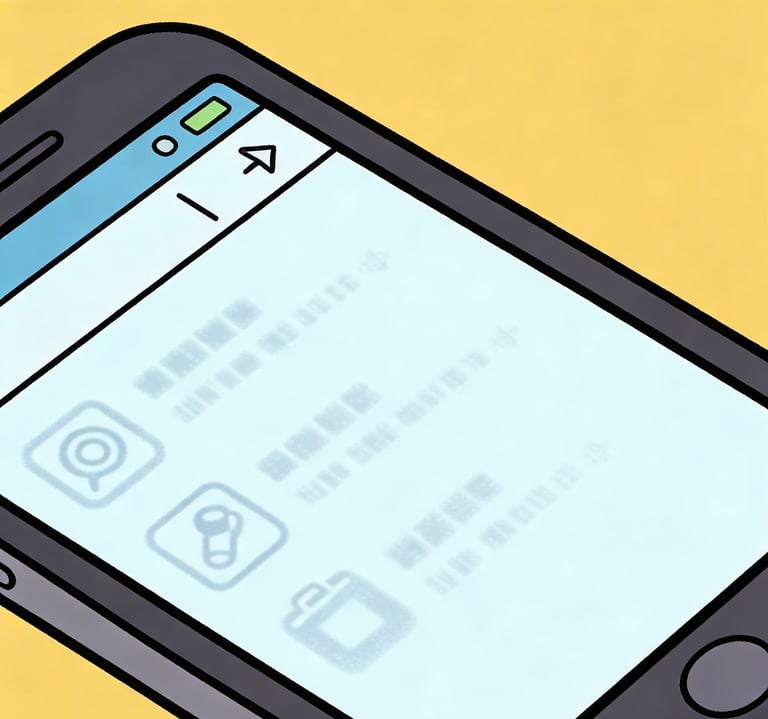
Scam 3: Concealing Liquid-Damaged Phones by Covering Edge Watermarks with Phone Cases
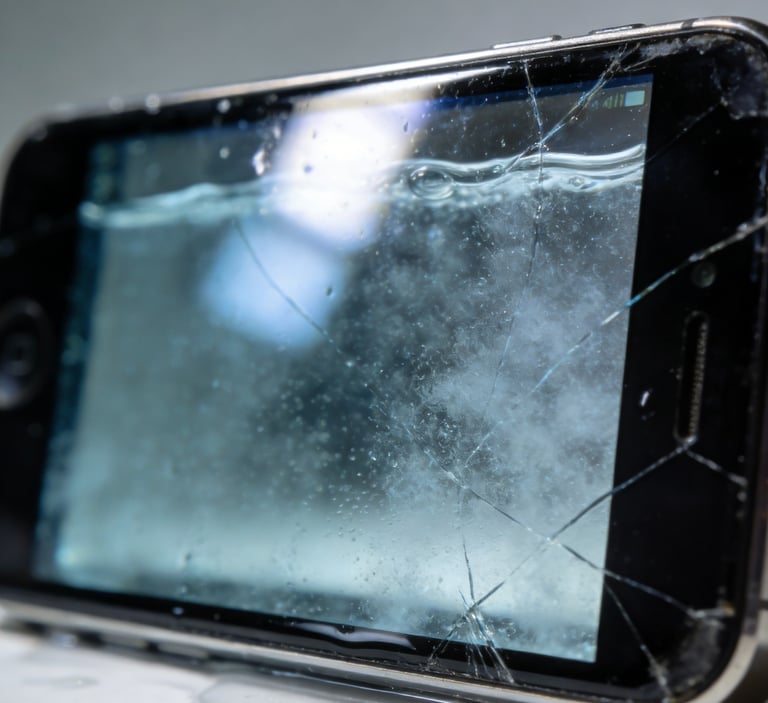
After the phone is exposed to liquid, fine watermarks will remain on the screen edges, and the internal cables and motherboard may have started to corrode. However, sellers will use thick phone cases to cover the edges, clean the screen surface, and falsely claim "the phone is well-maintained, never disassembled or repaired". After the buyer receives it, the screen may suddenly fail within 1-3 months.
This scam is easy to identify: Sellers are unwilling to remove the phone case, saying "the case is original and removing it may scratch the frame"; after removing the case, the screen edges have a slight sticky feeling (traces of residual moisture evaporation after liquid ingress); the phone functions are unstable, such as occasional blackouts for 1-2 seconds followed by automatic recovery, or slow camera opening.
3 on-site steps to expose this scam:
1. Irradiate edges at an angle with strong light: Use your phone's flashlight (maximum brightness) to irradiate the screen edges and notch area at a 45° angle, carefully observing for fine watermarks and colored stripes—these are traces left after liquid evaporation, which are hard to see with the naked eye but will be clearly visible under strong light.
2. Continuous screen on/off test: Turn the screen on and off quickly 15 times, then switch between apps like Camera, WeChat, and Settings rapidly to observe for blackouts, lag, or display abnormalities. Due to cable corrosion, liquid-damaged phones have unstable functions and are likely to have 1-2 malfunctions.
3. Direct inquiry + observe reaction: Stare at the seller's eyes and ask "Has the phone been exposed to water or dropped?" If the seller avoids eye contact and speaks vaguely (e.g., "I don't think so" or "I never got it wet since I bought it"), it's most likely a liquid-damaged phone; if they firmly say "Absolutely not, I'll guarantee a refund if there's a problem", ask them to write this in the transaction notes.
Pitfall Avoidance Reminder: If you find watermarks on the edges or unstable functions, directly abandon the purchase—liquid corrosion is irreversible, and the subsequent repair cost may exceed the value of the phone itself.
Core Principles for Buyers to Avoid Scams: "No Payment Without Testing, No Deal Without Commitment"
1. All tests must be completed on-site. Reject the seller's requests of "pay first then test" or "test at home and return if there's a problem"—once payment is made for second-hand transactions, the difficulty of safeguarding rights increases significantly;
2. Record the entire testing process to preserve evidence of the screen status and the seller's commitments. If problems are found later, this can be used as a basis for safeguarding rights;
3. During the transaction, ask the seller to clearly state in the chat records or notes that "the screen is an original screen (or the agreed screen type), free of burn-in, liquid ingress, and touch failure", and clarify the refund/discount rules for faults;
If the seller refuses testing, speaks vaguely, or deliberately urges you to close the deal, leave directly—it's likely that the screen has serious problems, so avoid falling into the scam.
