
Check if the Battery is Original on iOS 18.5 and Later Versions
Looopfone
12/29/2025
iOS 18.5 and later versions introduce a new battery component verification feature. You can check whether the battery is original without the need for third-party tools, effectively reducing the risk of purchasing a refurbished battery.
Query Steps:
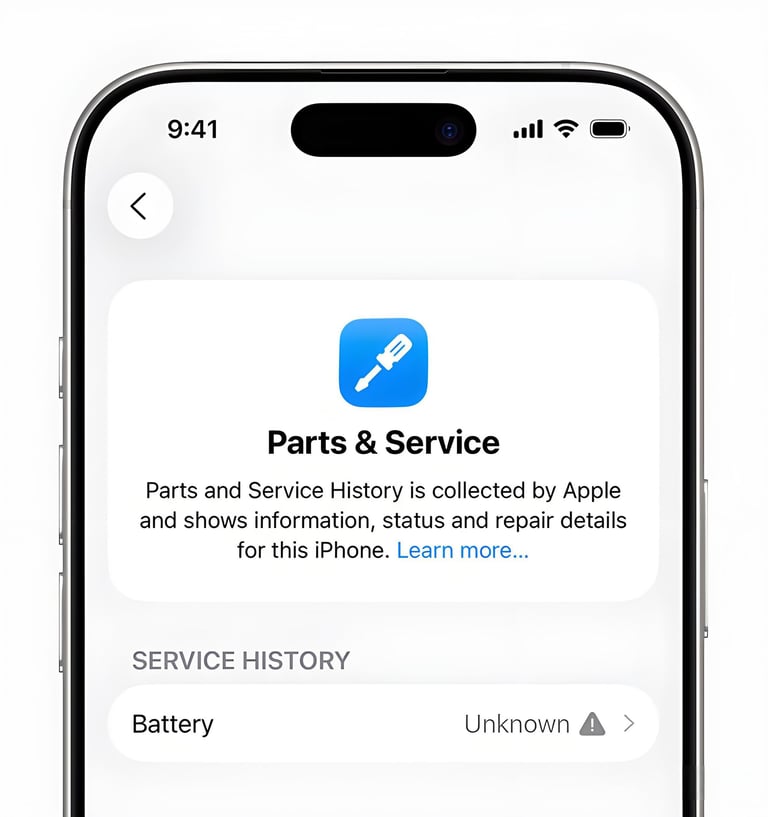
1.Go to Settings → General → About iPhone;
2.Scroll down and locate Parts & Service History;
3.Check the battery label:
Genuine: The original battery that has never been replaced;
Used: An original removed battery;
Unknown Part: A third-party battery.
This feature is only supported on iOS 18.5+ and iPhone models later than the iPhone XR; older models are not compatible. When purchasing a device, it is recommended that you ask the seller to update the system and perform the check on the spot, to avoid them hiding the actual situation with the excuse of "outdated system version". Even if the system displays Genuine or Used, you still need to cross-verify with the battery cycle count and health level to ensure data reliability.
