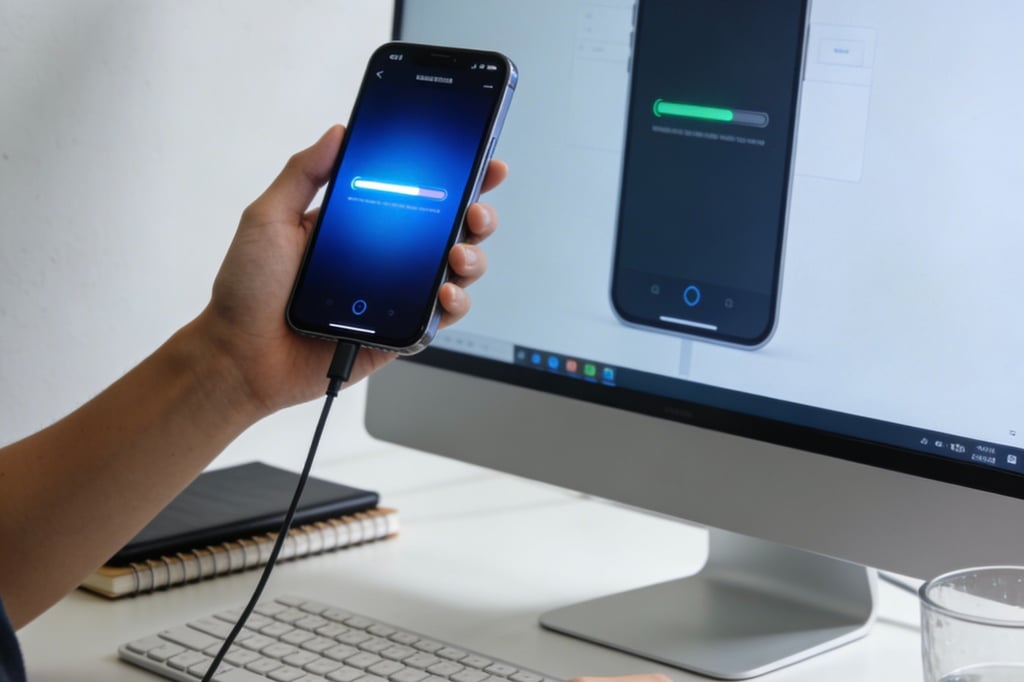
In the second-hand market, sellers often conceal "hidden screen faults" (such as slight burn-in, intermittent touch failure, and hidden liquid ingress). These issues are hard to detect with the naked eye, and it’s difficult to claim rights after receiving the phone. As a buyer, you must master specialized identification methods for hidden faults. Through a three-layer screening process of "detailed appearance inspection + in-depth function testing + tool verification", you can avoid buying a "problematic screen" and safeguard your transaction.
First, Understand: 3 Types of Hidden Screen Faults Buyers Are Most Likely to Encounter
(Sellers Will Never Voluntarily Disclose)
Hidden faults in used screens are mostly caused by long-term use or improper maintenance. They may not affect immediate use, but they are prone to deterioration later, with high repair costs:
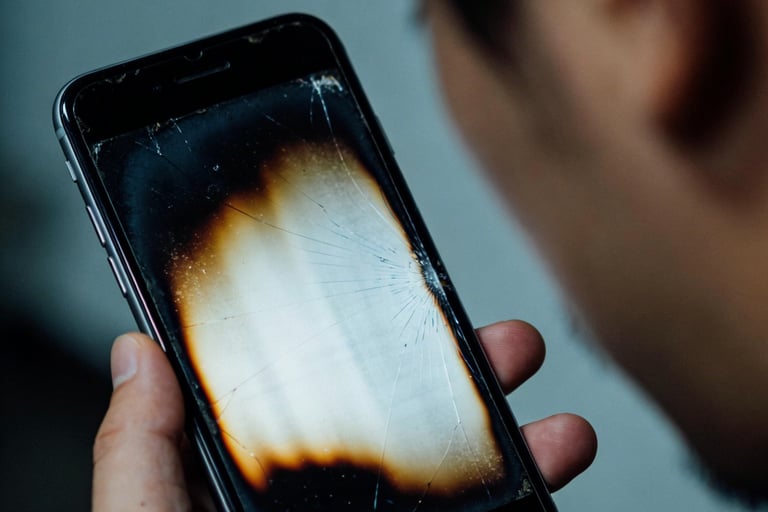
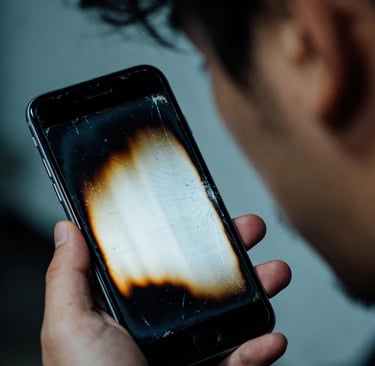
Slight Burn-In (Common in OLED Screens)
Typical Characteristics: Faint residual images in the status bar/navigation bar (obvious on white backgrounds), more visible after displaying the same lock screen for a long time
Harm Level: ★★★★★
Seller's Concealment Methods: Use dark wallpapers, lower screen brightness for demonstration, and avoid white background tests
Buyer's Loss: Irreparable, residual images will gradually worsen, resulting in a 30%+ discount when reselling
Intermittent Touch Failure/Touch Drift
Typical Characteristics: Touch failure in specific scenarios (low temperature, high brightness), or slight pointer deviation when sliding, occasionally triggered during daily use
Harm Level: ★★★★☆
Seller's Concealment Methods: Only perform simple sliding during demonstration, avoiding fault-triggering scenarios
Buyer's Loss: Affects core usage such as typing and navigation, may develop into permanent touch failure later
Hidden Liquid Ingress/Internal Corrosion
Typical Characteristics: Fine watermarks on screen edges (visible under strong light), unstable functions (faults worsen in humid environments)
Harm Level: ★★★★☆
Seller's Concealment Methods: Cover edges with a phone case and clean the screen surface to hide watermarks
Buyer's Loss: Corrosion will spread to the motherboard, causing complete screen failure and even phone scrapping
Assembled Screen Disguised as Original
Typical Characteristics: Same appearance as original, but display discoloration (bluish/yellowish), high touch delay, and "fake support" for True Tone
Harm Level: ★★★★★
Seller's Concealment Methods: Falsely claim it's an "original used screen" and refuse to provide testing opportunities
Buyer's Loss: Short service life (about 6-12 months), poor user experience, no residual value when reselling
Backlight Aging/Dark Spots
Typical Characteristics: Local dark spots (not surface stains) and uneven brightness when the screen is set to medium-high brightness
Harm Level: ★★★☆☆
Seller's Concealment Methods: Demonstrate in low-brightness indoor environments, avoiding strong light irradiation
Buyer's Loss: Affects visual experience, irreparable, only screen replacement is possible
Buyer-Exclusive: 5 Core Tests
(Must Do On-Site/After Receipt to Avoid All Hidden Faults)
As a buyer, you don’t need professional knowledge. Follow the steps below to test one by one to accurately identify hidden faults. It’s recommended to save this and operate on-site:
(I) Detailed Appearance Inspection: 3 "Magnifying Glass-Level" Details to See Through Surface Disguises
1. Screen Edge Inspection Under Strong Light (Focus on Liquid Ingress/Assembly Traces)
• Tool: Mobile phone flashlight (max brightness) or on-site strong light flashlight;
• Operation Steps:
① Turn off the phone screen, irradiate the screen edges (especially the notch area and charging port side) at a 45° angle with strong light;
② Observe for fine watermarks, colored spots (characteristics of hidden liquid ingress), or uneven gaps/overflowing glue on edges (characteristics of assembled screens);
③ Turn on the screen, display a pure white background (via "Notes - New Blank Note"), and irradiate the screen 四周 with strong light to check for dark corners or edge brightness attenuation (characteristics of backlight aging).
• Pitfall Avoidance Script: "Boss, please remove the phone case. I need to check the screen edges with a flashlight to confirm if there’s any liquid ingress. If everything is okay, I’ll place the order immediately."
2. Oleophobic Coating and Scratch Depth Inspection (Judge if the Screen Has Been Replaced/Refurbished)
• Operation Steps:
① Drop 1-2 drops of water on the center of the screen. For an original screen with an intact oleophobic coating, water droplets will roll in a spherical shape (no spreading); for assembled/refurbished screens, water droplets will spread;
② Gently scrape the screen surface with your fingernail (moderate force). If there’s an obvious "stuttering feeling", it indicates a deep scratch (>0.1mm), which cannot be covered by a tempered film later;
③ Wipe the water droplets with a clean tissue and observe if there are residual water marks (screens with peeling oleophobic coating will leave marks).
• Judgment Standard: If water droplets spread, there are deep scratches, or residual water marks remain, the screen is non-original or refurbished. Request a significant discount or abandon the purchase.
3. Screen and Body Fit Inspection (Check for Disassembly and Replacement)
• Operation Steps:
① Gently press around the screen (from the notch area to the chin) with your fingers, feeling for "looseness" or "abnormal noise" (assembled screens fit poorly and may slightly shake when pressed);
② Observe the gap between the screen and the middle frame for dust accumulation or uneven width (original screens fit tightly with uniform gaps and no dust).
• Pitfall Avoidance Reminder: If there’s looseness or uneven gaps when pressed, the screen was most likely replaced after disassembly (non-original). Focus on testing subsequent functions to avoid buying assembled screens with poor compatibility.
(II) In-Depth Function Testing: Specialized Tests for Hidden Faults (Do Every Step)
1. Special Burn-In Test (Must Test for OLED Screens, Most Easily Concealed)
• Operation Steps:
① Go to "Settings - Display & Brightness", set brightness to 100%, and display a pure white background (via "Notes - New Blank Note");
② Observe the screen’s status bar (time, signal area) and navigation bar (bottom bar) up close for faint residual images or icon outlines (e.g., marks left after long-term WeChat display);
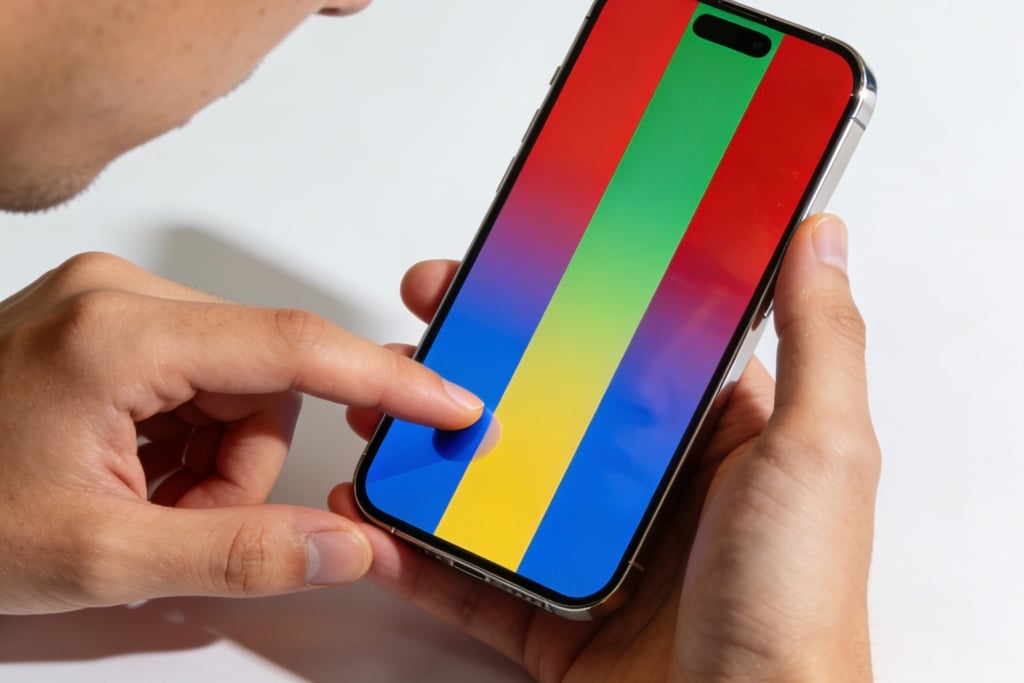
③ Switch to pure black, pure red, pure green, and pure blue backgrounds (download the "Screen Dead Pixel Test APP") and observe for fixed bright spots/dark spots one by one.
• Judgment Standard: Fixed residual images, bright spots, or dark spots on any background indicate burn-in/dead pixels. Do not buy (irreparable and will worsen over time).
• Pitfall Avoidance Script: "Boss, I need to test for burn-in with a pure white background. This is a must-test for buying used OLED phones. Please cooperate. If everything is okay, I’ll place the order right away."
2. Hidden Touch Fault Test (Check for Intermittent Touch Failure/Drift)
• Operation Steps:
① Edge Touch Test: Open the keyboard and continuously tap the four edges of the screen (especially the top-left and bottom-right corners) 10 times each to check for unresponsiveness;
② Continuous Sliding Test: Open WeChat Moments/webpages and slide up and down quickly for 30 seconds to check for lag or pointer drift (sudden screen jumps when sliding);
③ Extreme Scenario Test: If on-site conditions allow, cover the phone with your hand (simulate high temperature) or place it in a cool area (simulate low temperature) for 5 minutes, then test touch to identify temperature-triggered intermittent touch failure;
④ Precision Touch Test: Go to "Settings - Accessibility - Touch - Touch Accommodations", enable "Hold Duration" test, and complete tap and drag operations as required to judge touch precision.
• Judgment Standard: Even one occurrence of touch failure or drift indicates a touch fault. Do not buy even if the seller claims "it rarely happens and doesn’t affect use" (it will trigger frequently later).
3. True Tone and Display Consistency Test (Check for Original/Assembled Screens)
• Operation Steps:
① True Tone Authenticity Test:
◦ Enable True Tone (Settings - Display & Brightness - True Tone), cover the sensor at the top of the screen (notch area) with your hand, and observe if the screen quickly warms up (original screens respond immediately);
◦ Switch between different ambient lights (indoor, by the window) and observe if the screen color temperature transitions smoothly (assembled screens with "fake True Tone" can only switch between fixed warm/cold modes without gradient).
② Display Discoloration Test:
◦ Open a high-definition portrait photo (with natural skin tone) and observe if the skin tone is bluish, yellowish, or reddish (original screens restore skin tone naturally; assembled screens are prone to discoloration);
◦ Adjust to the lowest and highest brightness respectively and observe if the screen flickers or has sudden brightness changes (aging backlight screens will flicker).
• Judgment Standard: Unresponsive True Tone, obvious display discoloration, or brightness flickering indicate the screen is non-original or faulty. Purchase with caution.
4. Special Test for Hidden Liquid Ingress (Check for Internal Corrosion Risk)
• Operation Steps:
① Strong Light Irradiation Test: Irradiate the screen edges and notch area at an angle with a flashlight to observe fine watermarks or colored stripes (traces left after liquid evaporation);
② Function Stability Test: Turn the screen on/off 10 times continuously and quickly switch between apps (Camera, WeChat, Settings) to check for sudden blackouts or display abnormalities (liquid-corroded cables cause unstable functions);
③ Ask About History: Directly ask the seller, "Has the phone been exposed to water or dropped?" and observe their reaction (avoiding eye contact or vague answers indicate potential issues).
• Judgment Standard: Watermark traces or unstable functions indicate a high-risk phone. Abandon the purchase (subsequent corrosion spread will cause screen failure with high repair costs).
(III) Tool Verification: 3 Free Tools for Accurate Identification of Screen Authenticity/Condition
As a buyer, carrying your phone or downloading tools in advance can greatly improve identification accuracy (no computer required, operable on mobile phones):
1. Aisi Assistant APP (Most Commonly Used, Free)
• Operation: Download "Aisi Assistant" on your phone on-site, connect to the used iPhone, and check "Screen" parameters;
• Key Checks: Whether the screen serial number matches, whether it shows "Original Screen", and whether the touch/display module is normal;
• Pitfall Avoidance: If it shows "Mismatched Screen Serial Number" or "Non-Original Screen" but the seller claims it’s "original", expose it directly and abandon the purchase.
2. OLED Burn-In Test APP (Burn-In Detection, Free)
• Operation: Download and open, select "Full White, Full Black, Red/Green/Blue" modes for full-screen display one by one;
• Function: More accurate than manually setting backgrounds, quickly identifying slight burn-in and dead pixels (faint residual images invisible to the naked eye can be displayed).
3. Refresh Rate Analyzer (High-Refresh Screen Identification, Must for Pro Series Buyers)
• Operation: Download and open, check the real-time refresh rate when sliding the screen;
Key Check: Pro series should show "80-120Hz fluctuation". If fixed at 60Hz, it indicates a downgraded screen (seller concealed the high-refresh function).
Buyer Rights Protection: Negotiation and After-Sales Skills for Screen Issues
1. Negotiation Scripts for On-Site Discovered Issues
• Discovering Burn-In/Dead Pixels: "Boss, obvious residual images are visible on the white background (show the seller). This is burn-in, a serious fault. According to market conditions, a 40% discount is required; otherwise, I can’t purchase it."
• Discovering Assembled Screens: "Aisi Assistant shows it’s a non-original screen (show the screenshot). You said it was original before. Either reduce the price by 30% or I’ll leave directly."
• Discovering Hidden Liquid Ingress: "There are watermarks on the screen edges, so it’s likely been exposed to water and may break easily later. I can’t accept this price. Either offer a significant discount or cancel the transaction."
2. Rights Protection Steps for Hidden Faults Discovered After Receipt
• Step 1: Preserve evidence (shoot videos of screen faults, transaction chat records, and test reports);
• Step 2: Contact the seller and clearly propose "return and refund" or "price difference compensation" (based on the previous discount rules);
• Step 3: If the seller refuses, complain to the trading platform (e.g., Xianyu, Zhuanzhuan), submit evidence, and the platform will intervene in mediation (second-hand transactions require advance agreement that "returns are allowed for screen issues");
Pitfall Avoidance Reminder: Complete the full screen test within 24 hours after receiving the phone. The difficulty of rights protection increases significantly after the timeout.