
If the screen of a used iPhone is damaged, touch-insensitive, or displays abnormally, screen replacement is required. There are various options for original and third-party screens on the market, with significant differences in price and quality. Mastering the purchase criteria, installation requirements, and pitfall avoidance skills for screen replacement can help you select a screen that fits the model and is reliable in quality, avoid secondary problems after replacement, and balance quality and budget.
Core Selection for Screen Replacement: Original vs. Third-Party Screens
(How to Choose Without Stepping on Mines)
Choose the appropriate screen type according to budget and needs. Different types have different adaptation scenarios and risks:
1. Original Screens (Recommended as Priority)
Type Segmentation and Comparison:
Apple Official Original Screen
Source and Quality: Authentic Apple after-sales, brand-new screen assembly, 100% original components.
Price Range (Including Installation): 1500-3000 RMB (depending on model)
Adaptation Scenarios: Users pursuing the ultimate experience, with sufficient budget, and valuing official warranty.
Original Used Screen
Source and Quality: Disassembled through regular channels, above 95% new, no damage or burn-in.
Price Range (Including Installation): 800-1800 RMB
Adaptation Scenarios: Users pursuing original experience, with medium budget, and accepting used original components.
Original Repaired Screen
Source and Quality: Original display layer + touch layer, replaced with officially certified outer glass.
Price Range (Including Installation): 600-1200 RMB
Adaptation Scenarios: Users with limited budget who want to retain original display/touch experience.
Core Advantages: Consistent display effect and touch sensitivity with new phones, 100% compatibility (no system pop-ups or function restrictions), long lifespan (2-3 years of normal use), and official original screens enjoy 90-day warranty;
Notes: Avoid buying "fake original screens" (refurbished screens pretending to be original through irregular channels), and verify through serial number query.
2. Third-Party Screens (Optional for Limited Budget)
Type Segmentation and Comparison (Ranked by Quality):
First-Tier Brand Screens (e.g., Pisen, UGREEN)
Quality Level: High-Quality Third-Party
Price Range (Including Installation): 500-1000 RMB
Core Features: Adopt original-grade display layer, touch sensitivity close to original, 1-year warranty.
Risk Points: 3D Touch may not be supported on some models, brightness slightly lower than original.
Second-Tier Brand Screens (e.g., SCUD)
Quality Level: Medium Quality
Price Range (Including Installation): 300-600 RMB
Core Features: Acceptable display effect, basically normal touch, 6-month warranty.
Risk Points: Slight color discoloration, general brightness uniformity.
No-Name/Cheap Brand Screens
Quality Level: Low-Quality
Price Range (Including Installation): 100-300 RMB
Core Features: Extremely low price, basically meets display needs.
Risk Points: Prone to touch disconnection, severe color discoloration, lifespan < 1 year, no warranty.
Core Advantages: Affordable price (only 1/3-1/2 of original screens), some first-tier brand screens are close to original quality, suitable for temporary transition or users with limited budget;
Notes: Resolutely avoid no-name/cheap brand screens, and purchase first-tier brand screens through official channels (avoid buying OEM counterfeits).
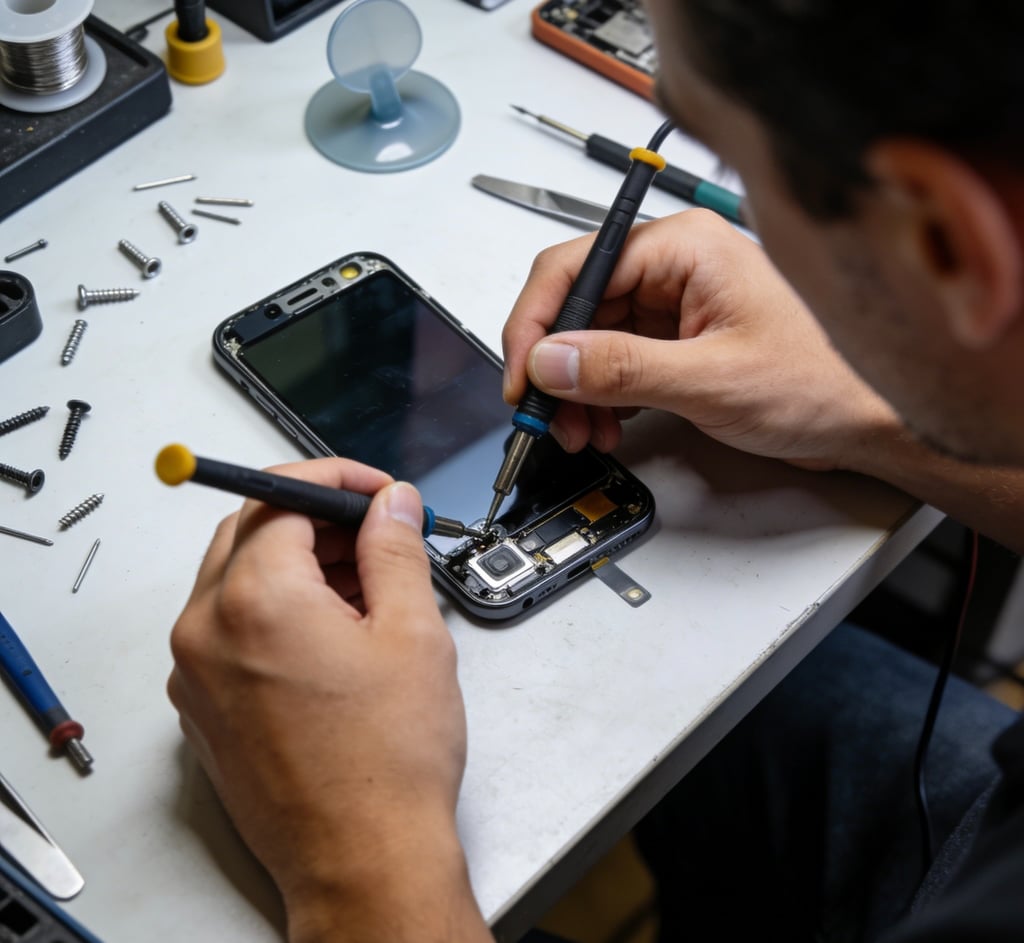
Core Identification Standards for Screen Purchase
(Avoid "Low-Quality Screens")
Whether choosing original or third-party screens, focus on verifying the following dimensions when purchasing:
1. Compatibility Verification (Avoid "Function Restrictions")
Core Requirement: The screen must be fully compatible with the mobile phone model and support all native functions (e.g., Face ID, 3D Touch, True Tone);
Identification Methods:
① Confirm that the screen model is consistent with the mobile phone model (e.g., iPhone 13 screen is only compatible with iPhone 13, not iPhone 13 Pro);
② Test True Tone: Settings-Display & Brightness-True Tone, the screen color should change with ambient light after opening (non-original/ some third-party screens may not support);
③ Test Face ID: Ensure Face ID unlocks normally after screen replacement (some inferior screens may block sensors, causing Face ID failure).
2. Quality Inspection (Avoid "Hidden Problems")
Display Quality: Test according to the "Display Effect Identification Method" in Tweet 26 to ensure no discoloration, dead pixels, or burn-in;
Touch Quality: Test sliding, edge clicking, and 3D Touch (supported models) to ensure no disconnection or delay;
Craftsmanship Quality: Check the screen edge fit and oleophobic coating uniformity, no excess glue or burrs.
3. After-Sales Guarantee Verification (Avoid "No After-Sales Support")
Request clear warranty from the merchant: Original screen warranty ≥90 days, third-party screen warranty ≥6 months;
Confirm warranty scope: Whether it includes non-human damage (e.g., touch failure, display abnormality) and whether free replacement is supported;
Keep purchase vouchers: Invoices, receipts, chat records, etc., to clarify installation responsibilities (e.g., free replacement if the screen is damaged due to installation).
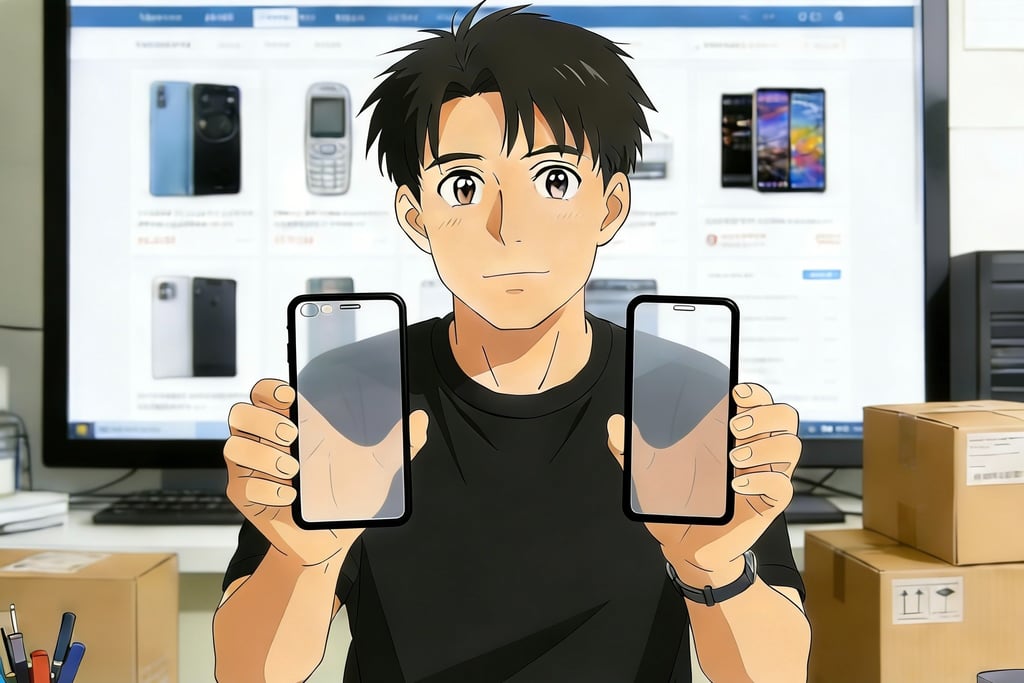
Professional Installation Requirements for Screen Replacement
(Improper Installation = Secondary Damage)
Screen installation is a technical job. Improper installation can cause touch failure, screen dust ingress, motherboard damage, etc., and must follow professional processes strictly:
Installation Channel Selection (Ranked by Safety Priority)
Apple Official After-Sales
Safety Factor: ★★★★★
Advantages: Professional technicians, original tools, standardized installation, official warranty support.
Price (Installation Fee): 0 RMB (free installation with official screen purchase)
Notes: Only supports official original screen installation, high overall price.
Brand-Authorized Repair Shops (e.g., Pisen, UGREEN Authorized Stores)
Safety Factor: ★★★★☆
Advantages: Technicians professionally trained, complete tools, post-installation testing provided.
Price (Installation Fee): 50-100 RMB (separate installation)
Notes: Confirm whether the store is officially authorized to avoid counterfeits.
Large Chain Repair Shops (e.g., Babang, Geek Repair)
Safety Factor: ★★★★☆
Advantages: Rich experience, 7-30 days warranty after installation.
Price (Installation Fee): 80-150 RMB (separate installation)
Notes: Sign an agreement before installation to clarify responsibility division.
Small Repair Shops (Not Recommended)
Safety Factor: ★★★☆☆
Advantages: Low price.
Price (Installation Fee): 30-50 RMB
Notes: Technicians' skills vary, prone to installation errors.
2. Core Installation Process and Notes
Pre-Installation Preparation:
① Data Backup: Backup all mobile phone data via iCloud or computer (avoid data loss during installation);
② Device Inspection: Confirm that the mobile phone has no other hardware failures (e.g., motherboard damage, battery swelling) to avoid "screen normal but mobile phone unusable" after installation;
③ Screen Inspection: Verify that the screen model matches the mobile phone, and check that the screen is free of damage and dead pixels.
Installation Operation Specifications:
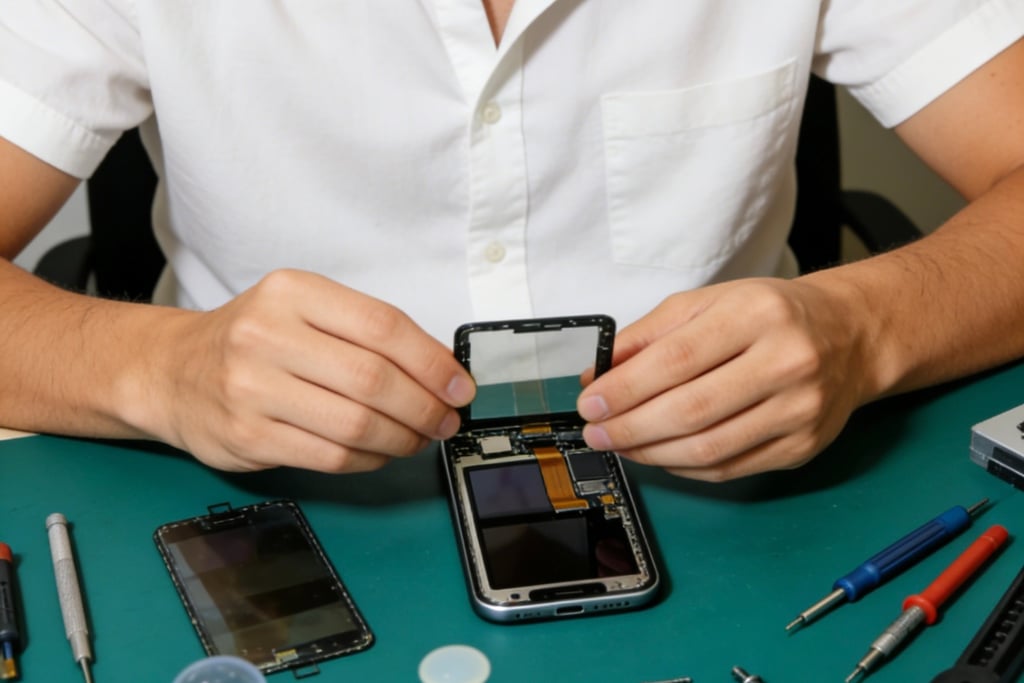
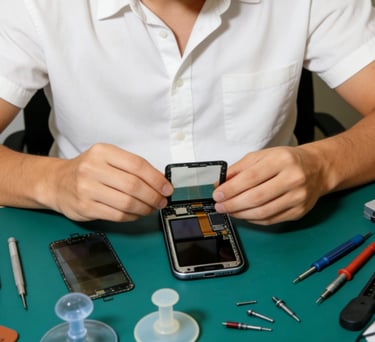
① Disassembly Process: First turn off the mobile phone power, disassemble with professional tools (suction cup, pry bar, screwdriver set), avoid damaging the motherboard and cables due to excessive force;
② Screen Removal: Disconnect the battery cable (prevent short circuit), then remove the screen cable (disconnect the touch, display, and sensor cables in order);
③ New Screen Installation: Clean the residual adhesive on the middle frame, align the new screen cable, connect the sensor, display, and touch cables in turn, and finally connect the battery cable;
④ Fitting and Fixing: Fix the screen with original adhesive, avoid over-tightening screws to squeeze the screen (causing display abnormalities).
Post-Installation Testing (Mandatory Steps):
① Basic Function Test: Turn on the phone to check if the screen display, touch, True Tone, and Face ID are normal;
② Detail Inspection: Check the screen edge fit (no gaps, no excess glue), and whether the earpiece and sensor openings are aligned;
③ Stability Test: Use continuously for 30 minutes (e.g., watch videos, play games) to observe if the screen heats up and the touch is stable.
Pitfall Avoidance Skills and Usage Maintenance for Screen Replacement
1.Common Replacement Pits and Solutions
Fake Original Screens (Refurbished screens pretending to be original)
Solution: Query the screen serial number with iMazing and verify authenticity at official after-sales.
Screen Dust Ingress/Excess Glue After Installation
Solution: Choose professional installation channels, check on-site after installation, and request rework immediately if there is a problem.
Third-Party Screen Function Restrictions (e.g., True Tone failure)
Solution: Confirm the supported functions before purchasing, and request the merchant to provide a function test video.
Face ID Failure Caused by Installation
Solution: Choose regular channels, and clarify "merchant is responsible for sensor damage" before installation.
Invalid Warranty (Merchant shirks responsibility for problems)
Solution: Keep purchase vouchers and installation agreements, and choose merchants with clear warranty policies.
2. Usage and Maintenance Skills for Replaced Screens
Initial Maintenance (Critical Period: First 7 Days):
① Avoid Heavy Drops and Squeezing: The fit of the newly installed screen needs time to stabilize. Avoid dropping the mobile phone or placing it under heavy objects;
② Avoid Water Contact: Do not let the mobile phone come into contact with water (e.g., rain, use while washing hands) to prevent water from seeping into the screen edge and damaging the cables;
③ Avoid High Temperature: Do not use for a long time in high-temperature environments (e.g., exposure to the sun, playing large games while charging) to accelerate screen aging.
Long-Term Maintenance:
① Wear Protective Accessories: Tempered film + mobile phone case, focusing on protecting the screen edge (most vulnerable position);
② Regular Cleaning: Gently wipe the screen with a microfiber cloth, avoid scratching with sharp objects (e.g., nails, pen tips);
③ Avoid Long-Term High Brightness: Adjust the screen brightness to 50%-70%, long-term high brightness will accelerate burn-in and shorten lifespan.
3. Residual Value Impact After Screen Replacement
Original Screen Replacement: Minimal impact on residual value (about 5%-10%), and even no impact on resale price if it is an official original screen;
Third-Party Screen Replacement: Significant impact on residual value (about 15%-30%), less impact for first-tier brand screens (10%-15%), and maximum impact for no-name screens (30%+);
Suggestion: If planning to resell the mobile phone within 1 year, prioritize original screen replacement; first-tier brand third-party screens are acceptable for long-term personal use.
