
"Fake battery power" is the most common pain point for used iPhone users, manifested as a serious inconsistency between the displayed power and the actual available power (e.g., sudden shutdown at 50% power). Its causes include cell aging, inaccurate BMS data, and abnormal charging. By accurately detecting and locating the cause, and adopting targeted measures such as calibration, accessory replacement, and repair, the fake power problem can be completely solved, and real battery life can be restored.
Three Core Causes of "Fake Battery Power"
(In-Depth Analysis + Cases)
The essence of "fake battery power" is the mismatch between the battery's "displayed capacity" and "actual available capacity", involving issues at multiple levels such as cells, systems, and accessories. The specific causes are as follows:
1.Cell Aging and Poor Consistency: The Root Cause of Fake Power
After long-term charging and discharging, the cells of used iPhone batteries may experience two types of aging, leading to fake power:
Single cell aging: iPhone batteries consist of 2-4 cells connected in series (e.g., iPhone 13 has 2 cells in series). If one of the cells is severely aged (significant differences in capacity and internal resistance from other cells), the overall charging and discharging balance of the battery will decrease. For example, a battery is composed of cell A (capacity 2000mAh) and cell B (capacity 1500mAh). During charging, cell B is fully charged first, and the system displays 100% power, but cell A is only charged to 75%; during discharging, cell B is exhausted first, the voltage drops sharply, and the phone suddenly shuts down when the displayed power is 50%, forming fake power.
Attenuation of cell activity: Long-term deep discharge, high-temperature use, etc., lead to a reduction in active materials in the cells and a decrease in actual capacity. However, the BMS chip does not calibrate in time and still calculates the power percentage based on the initial capacity, resulting in the displayed power being higher than the actual available power. For example, the actual battery capacity is only 60% of the initial value, but the system still calculates it as 100%. When the displayed power is 50%, the actual available capacity is only 30%, and continued use will result in a rapid shutdown.
Case: The battery health of the user's iPhone 11 shows 80%, but it often shuts down suddenly at 40% power. Detection found that the battery's internal resistance reaches 75mΩ, and the capacity difference between the two cells exceeds 20%, which is a typical case of fake power caused by poor cell consistency.
2.Inaccurate BMS Data: The Direct Cause of Fake Power
The BMS (Battery Management System) chip is responsible for recording the battery's charging and discharging data, calculating the power percentage and health. Due to outdated system versions, frequent flashing, battery replacement, and other reasons, used iPhones may experience BMS data disorders, unable to accurately identify the actual capacity of the cells, thereby generating fake power:
System version issues: iOS system vulnerabilities (such as the BMS calibration bug in iOS 14.0-14.2 versions) lead to incorrect data calculations, resulting in inconsistent displayed power and actual power;
Frequent flashing/factory reset: Will clear the historical charging and discharging data of the BMS chip, leading to data inaccuracies during system recalibration and temporary fake power;
Unofficial battery replacement: When replacing a non-original battery, the BMS chip is incompatible with the iOS system, resulting in abnormal data synchronization and inability to accurately identify the actual capacity, forming long-term fake power.
Case: After the user replaced the third-party battery by himself, the power display of the iPhone 12 fluctuated sharply. After charging to 100%, the power dropped to 60% within 1 hour of use, but the subsequent battery life returned to normal. Detection found that the BMS chip of the third-party battery had poor compatibility with the system, resulting in delayed data synchronization and fake power phenomena.
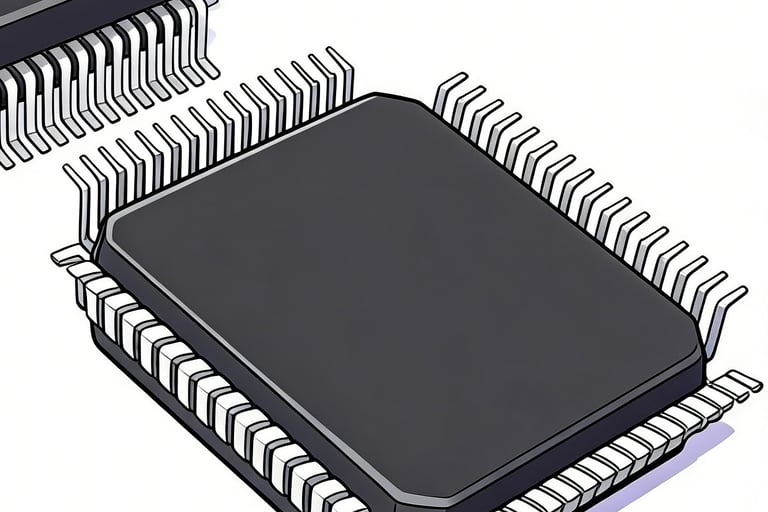
3.Abnormal Charging: A Common Trigger for Fake Power
Improper operations and accessory problems during charging can cause the battery to not be fully charged, forming a "false full charge" that manifests as fake power:
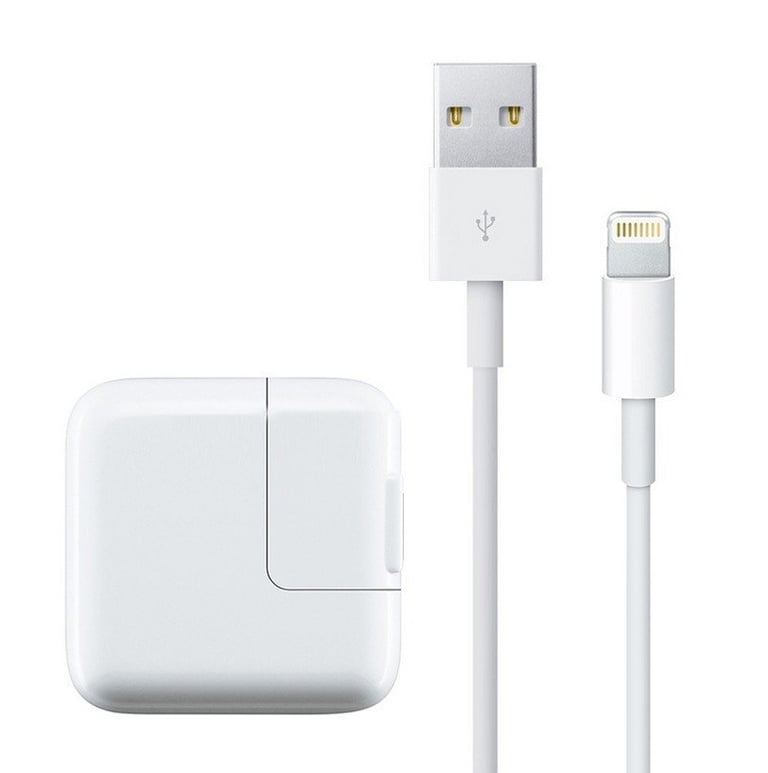
Charging with non-certified accessories: Using non-original, non-MFi certified chargers and data cables with unstable output voltage and current leads to low charging efficiency, and the battery is only charged to "surface full charge" (voltage reaches 4.2V, but the actual capacity is not full). For example, charging with a low-quality charger, the system displays 100% power, but the actual capacity is only charged to 70%, and the power drops quickly during use.
Improper charging environment: Charging in high-temperature or low-temperature environments will affect charging efficiency and cell activity, leading to insufficient charging. For example, charging in a car at 38℃, the battery will reduce charging power to protect itself and stop after charging to 80%, while the system displays 100%, but the actual capacity is insufficient.
Interrupted charging process: Frequent plugging and unplugging during charging and frequent waking of the phone lead to intermittent charging processes. The BMS chip cannot accurately record the capacity, resulting in fake power.
Case: The user has long used shared chargers on the street to charge the iPhone 13 and found that the battery charges quickly and drains quickly. When the displayed power is 50%, the battery life is only half of the normal state. After replacing with the original charger, the fake power phenomenon is significantly alleviated, indicating that it is a case of abnormal charging caused by charging accessories.
Precise Detection Methods for "Fake Battery Power"
(Step-by-Step Operation)
To solve the fake power problem, it is first necessary to scientifically detect and locate the specific cause. The following is a step-by-step detection process that ordinary users can operate by themselves:
1.Basic Battery Life Test (Preliminary Judgment of Fake Power)
Operation Steps:
① Charging Preparation: Charge the battery to 100% with the original charger and let it stand for 30 minutes after unplugging;
② Test Process: Turn off background app refresh, location services, and 5G network, set the brightness to 50%, play local 1080P video continuously, and record the battery life at different power stages;
③ Result Judgment: If the battery life in a certain power range is significantly shorter than other ranges, it indicates fake power. For example, the battery life is 2 hours from 100% to 80%, 1.5 hours from 80% to 60%, but only 30 minutes from 60% to 40%, it can be determined that there is fake power in the 60%-40% range.
Reference Standard: The video battery life of a normal used iPhone battery (health ≥70%) should be evenly distributed, and the difference in battery life between each 20% power should not exceed 15%.
2.Voltage Detection (Judging Cell Balance)
Operation Tool: Digital multimeter (precision ≥0.01V)
Operation Steps:
① Full Charge Voltage Test: After charging the battery to 100%, use a multimeter to test the battery terminal voltage and record the value (should be 4.15V-4.2V normally);
② Phased Discharge Test: Discharge the battery to 80%, 60%, 40%, and 20%, test the voltage respectively, and record the values;
③ Result Judgment: The voltage of a normal battery decreases smoothly and linearly with the drop in power, and the voltage drop per 20% power is about 0.1V-0.15V; if the voltage drop in a certain stage exceeds 0.2V (e.g., the voltage drops from 3.9V to 3.6V when the power decreases from 60% to 40%), it indicates poor cell consistency and fake power.
3.Internal Resistance Detection (Judging Cell Aging)
Operation Tool: Portable internal resistance tester
Operation Steps:
① Test the total internal resistance of the battery in the fully charged state and record the value;
② Discharge to 50% and test the internal resistance again, comparing the two values;
③ Result Judgment: The internal resistance of a normal battery fluctuates slightly during charging and discharging (≤5mΩ); if the fluctuation exceeds 10mΩ (e.g., the full charge internal resistance is 60mΩ, and the internal resistance is 75mΩ when the power is 50%), it indicates severe cell aging and decreased activity, which is an important cause of fake power.
4.System Data Query (Judging BMS Accuracy)
Operation Steps:
① Check System Version: Settings → General → About → Software Version. If it is an outdated version (e.g., iOS 14.0-14.2), upgrade to the latest version first to fix calibration issues caused by system vulnerabilities;
② Query Charging and Discharging Logs: Settings → Privacy & Security → Analytics & Improvements → Analytics Data. Search for "batterycharginghistory" to view recent charging records. If there are situations such as "excessive charging interruptions" or "abnormal charging speed", it indicates that the BMS data may be inaccurate;
③ Check Battery Compatibility: Settings → General → About → Parts and Service History. If "Unknown Part" is displayed and a third-party battery has been replaced, it indicates poor compatibility between the BMS and the battery, which may lead to fake power.
Scenario-Specific Solutions for "Fake Battery Power"
(From Simple to Complex)
Based on the test results, take targeted measures such as calibration, accessory replacement, and repair to completely solve the fake power problem and avoid blind battery replacement:
1.Fake Power Caused by Inaccurate BMS Data (Easiest to Solve)
Solution: BMS Data Calibration
Operation Steps:
① Upgrade System: Upgrade iOS to the latest version to fix calibration issues caused by system vulnerabilities;
② Complete Charge-Discharge Cycle Calibration (Core Step):
Step 1: Charge the battery to 100% with the original charger and continue charging for 30 minutes (to ensure the cells are fully charged);
Step 2: Unplug the charger, use the phone normally until the power drops to 20% (not below 15%), avoiding high-power consumption scenarios during this period;
Step 3: Immediately charge to 100% with the original charger and let it stand for another 30 minutes;
Step 4: Repeat the above process 2-3 times to allow the BMS chip to re-record charging and discharging data and complete calibration.
③ Reset All Settings: If fake power still exists after calibration, perform "Reset All Settings" (Settings → General → Transfer or Reset iPhone → Reset → Reset All Settings) to clear system disordered data. Note that this operation will not delete personal files.
Effect: More than 80% of fake power caused by inaccurate BMS data can be completely solved through calibration, and battery life returns to normal.
2.Fake Power Caused by Abnormal Charging (Low-Cost Solution)
Solution: Optimize Charging Methods and Replace Accessories
Operation Steps:
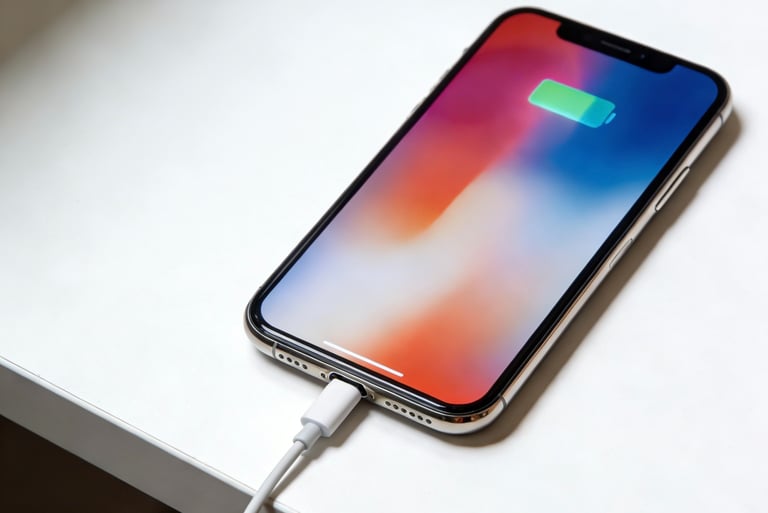
① Replace Charging Accessories: Immediately stop using non-certified chargers and data cables, and replace them with Apple original or MFi-certified products to ensure charging efficiency and stability;
② Improve Charging Environment: Avoid charging in high-temperature (>35℃) or low-temperature (<0℃) environments. Place the phone in a well-ventilated place when charging, do not wrap it in clothes;
③ Standardize Charging Operations: Avoid frequent plugging and unplugging and using the phone during charging to ensure a continuous and stable charging process; unplug the charger in time after full charge to avoid overcharging.
Effect: After replacing accessories and standardizing operations, the fake power caused by abnormal charging can be alleviated immediately, and the battery life can be restored to more than 90% of the normal level.
3.Fake Power Caused by Poor Cell Consistency/Attenuated Activity (Requires Professional Handling)
Solution: Battery Balance Repair or Battery Replacement
① Battery Balance Repair (Applicable When Cell Differences Are Small):
Tool: Professional battery balance charger (e.g., XTAR VC4S);
Operation: Connect the battery to the balance charger, select the "balance charge" mode. The charger will detect the voltage and capacity of each cell and charge them targetedly to eliminate cell differences;
Effect: Can reduce the cell capacity difference to within 10%, alleviate fake power phenomena, and improve battery life by 15%-20%.
② Battery Replacement (Applicable When Cell Differences Are Large and Internal Resistance >70mΩ):
Selection Standard: Priority is to replace the original disassembled battery (good cell consistency and strong compatibility with the system); if the budget is limited, choose a regular branded third-party battery (must support BMS adaptation and provide a 12-month warranty);
Notes: Battery replacement should be performed at a professional repair shop to avoid hardware damage caused by self-disassembly; after replacement, 2-3 BMS calibrations are required to ensure accurate data.
Effect: After battery replacement, the fake power problem can be completely solved, the battery life is restored to the normal level
